
Your connected Windows toolkit
One collection. One account. One command point.
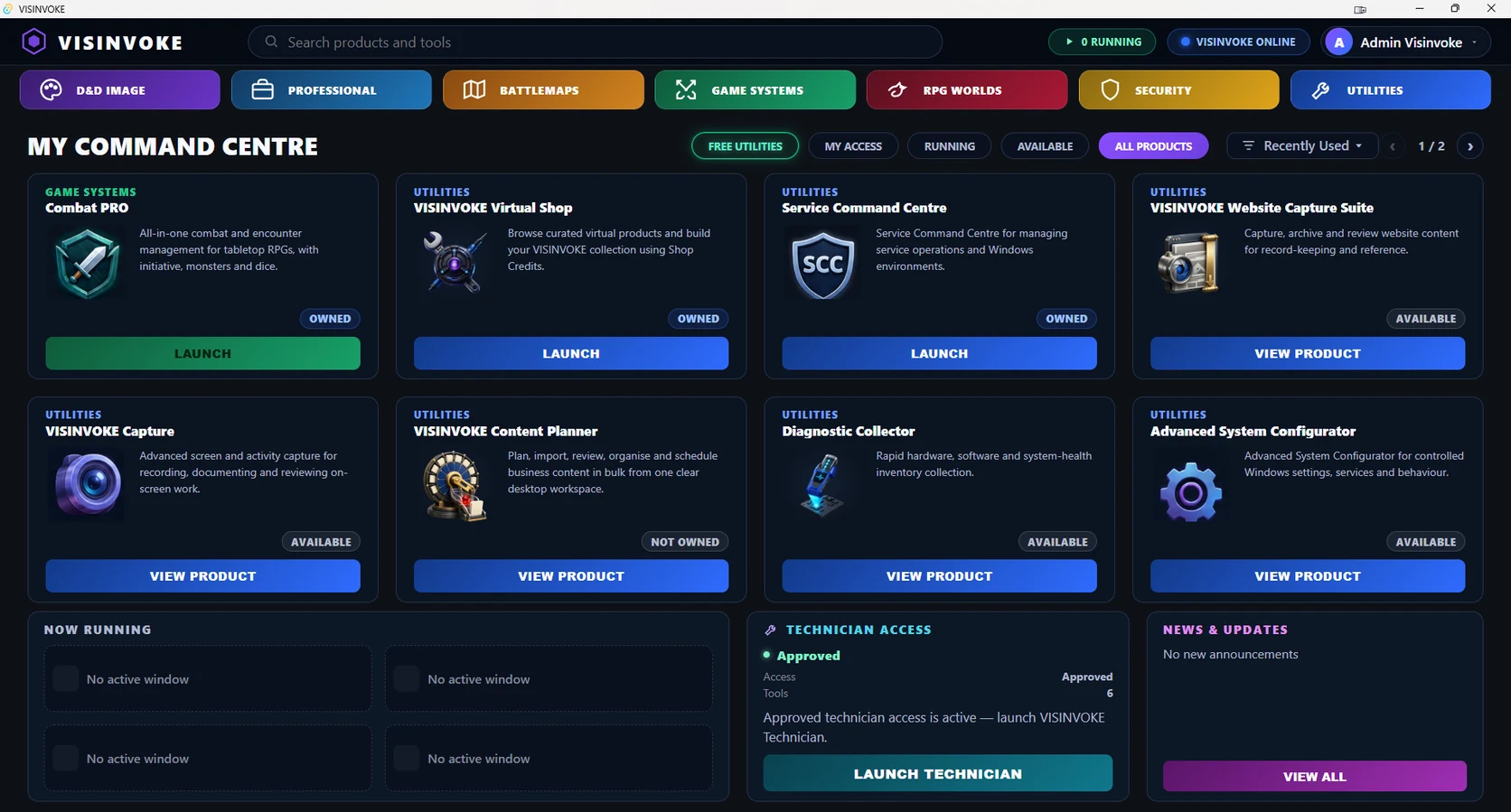
Discover creative, business, gaming and utility products. See your account access and launch supported Windows tools from DCC.
Create a free VISINVOKE accountGet the Windows installerSign in to DCCOpen your supported products
Your collection, clearly organised
Start with the work. Find the right system.
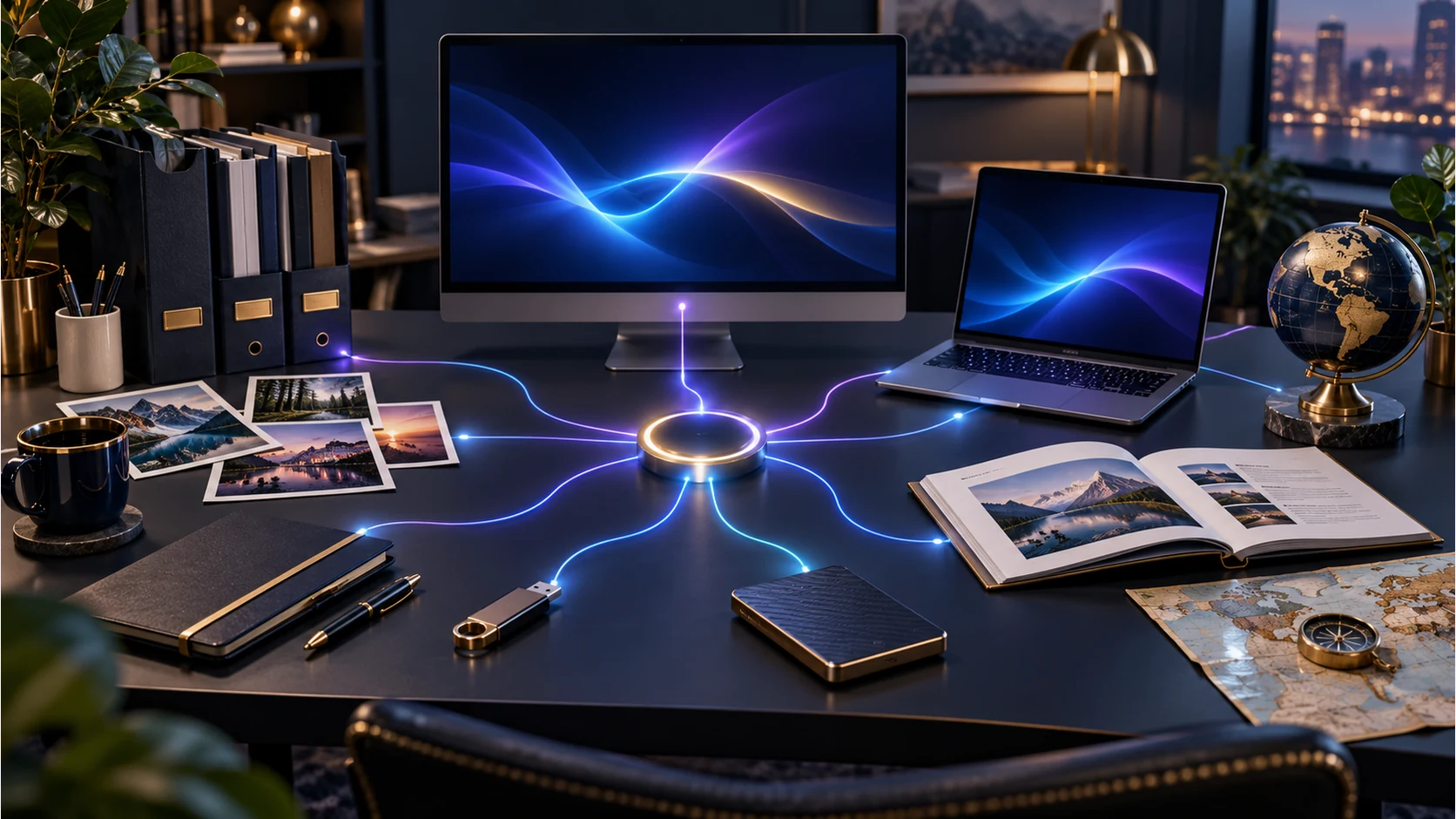
DCC brings discovery, account-linked access and supported desktop launches into one place while each product keeps its specialist purpose.
Find your products
Browse catalogue families or filter the collection by free utilities, your access, running products and availability.
Understand your access
Owned products, membership access and selected tools remain clearly identified, with the next action appropriate to your account.
Launch supported Windows tools
Use DCC as the command point for supported desktop products and return to an already running product window.
Stay connected to VISINVOKE
Browser experiences, product information and account services retain their own destinations within the same ecosystem.
More than a game launcher
A collection for the whole working day.
Creative systems, professional applications, battlemaps, game systems, gaming worlds, security information and utilities each have a place in DCC.

Creative image systems
Guided professional image creation sits alongside D&D imagery and practical image tools.
Professional and business work
Service Command Centre connects customer records, jobs, staff, communications, inventory and reporting around service operations.
Connected tabletop play
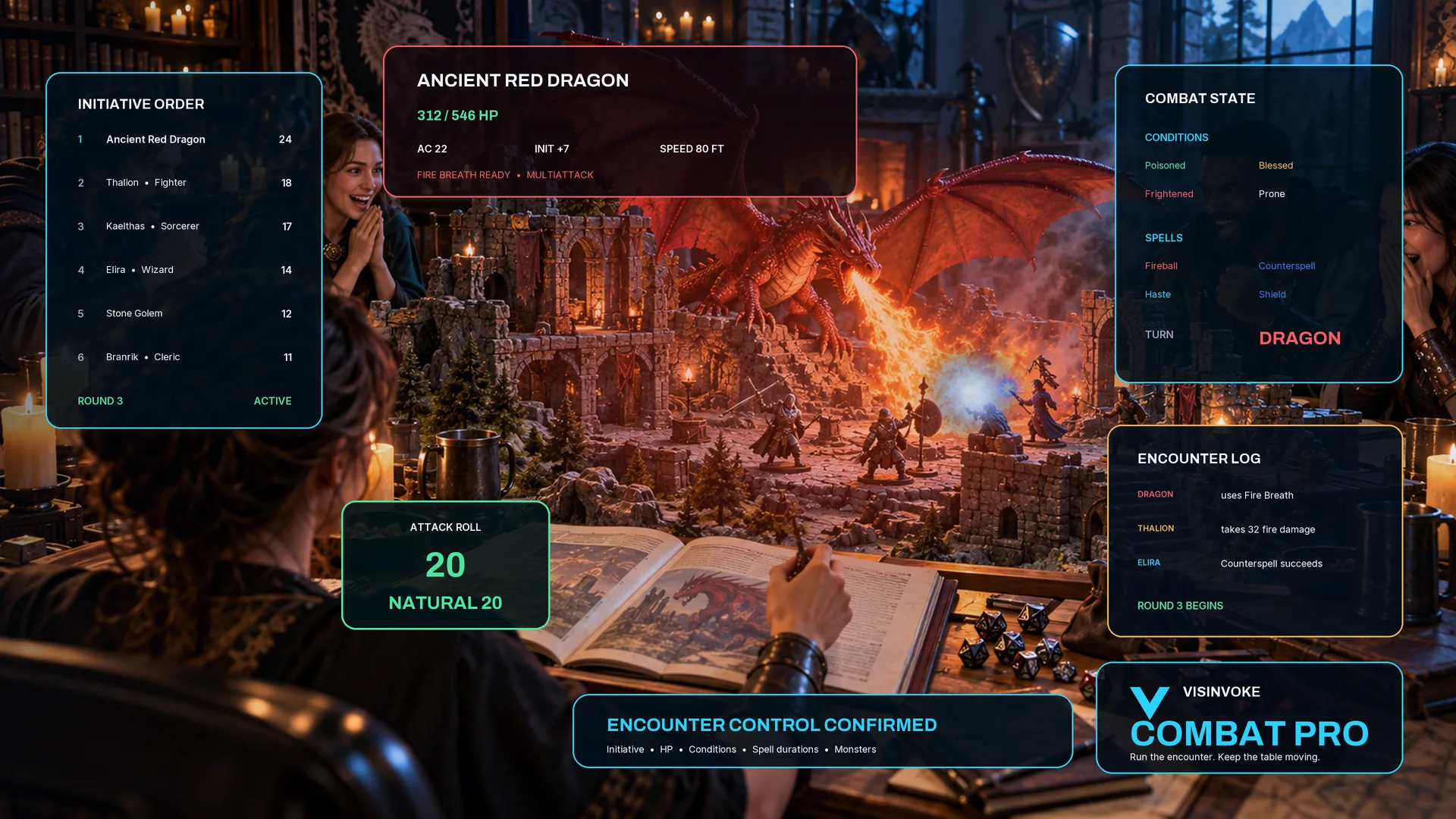
Combat PRO brings encounter preparation, live combat and authorised player workflows into one specialist system.
Technician resources
Eligible technician access brings diagnostics, repair knowledge and specialist technical workflows into your collection.
Account-linked product access
Know what you have. Know what to do next.
Your account determines product access. DCC presents that access clearly instead of making every product look the same.
Owned products
Products associated with ownership appear with an owned access state. The product's own terms define what ownership includes.
Membership access
Active memberships are distinct from ownership, with access-expiry information and an account action where needed.
Selected tools
Selected-tool access stays visible as its own entitlement rather than being confused with a complete product purchase.
The right next action
Launch an eligible tool, return to its running window, view a product or review access according to its state.
Specialist systems, connected
One command point. The right destination for each product.
DCC connects the collection without pretending that every application uses the same platform or workflow.

Creative and encounter preparation
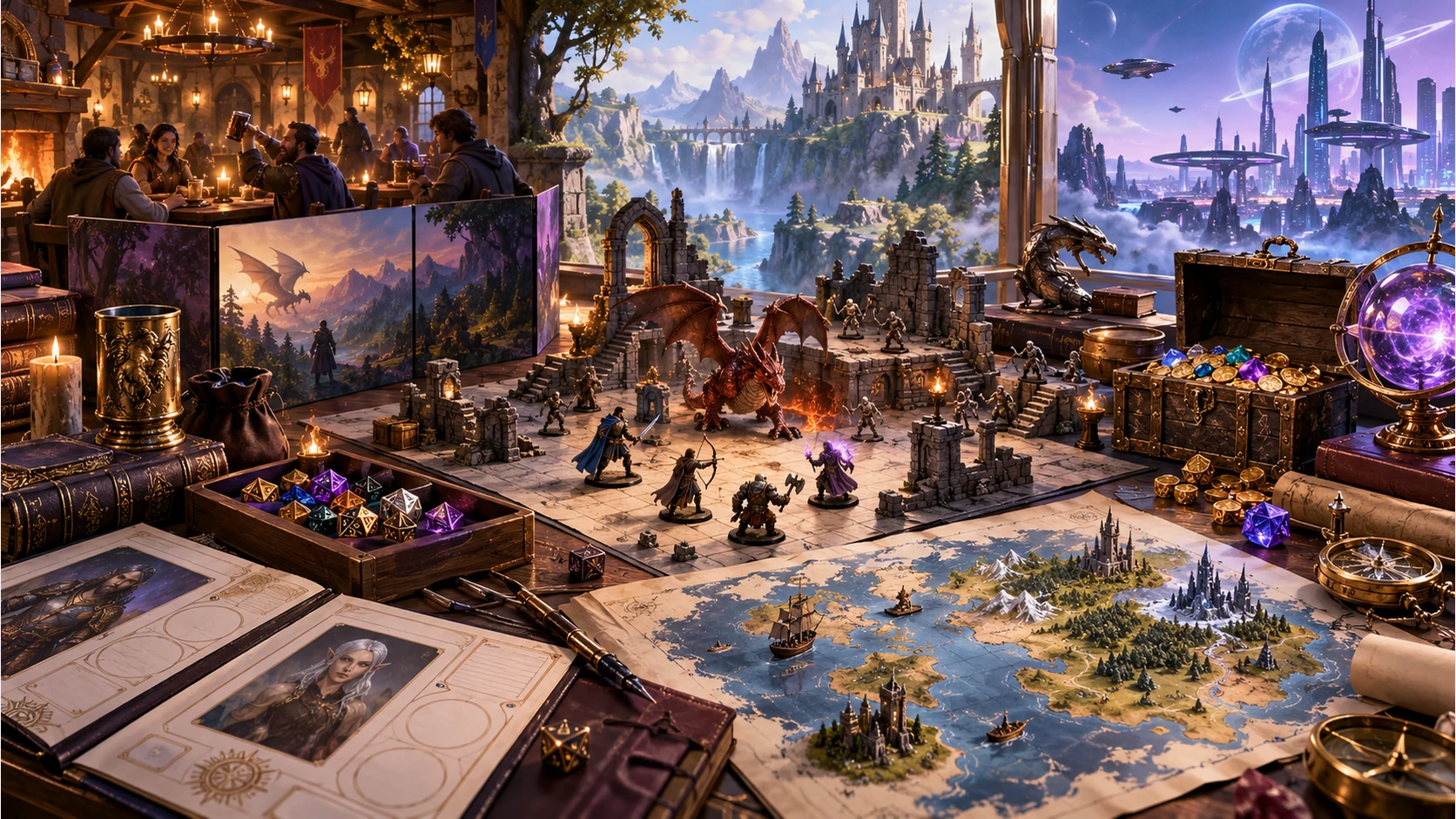
Battlemaps supports structured tactical map creation, complementing game systems and creative image workflows.
Browser and planning products
Products such as Content Planner retain their browser-based workflows and product-specific account requirements.
Security information
The Security family links to Managed PC Protection and Track, Lock & Wipe. These have their own workflows rather than running as DCC windows.
Account services
Your Dashboard manages account information and product access. DCC uses the same account for supported desktop work.
Everyday value and specialist depth
Free utilities are a major part of the collection.
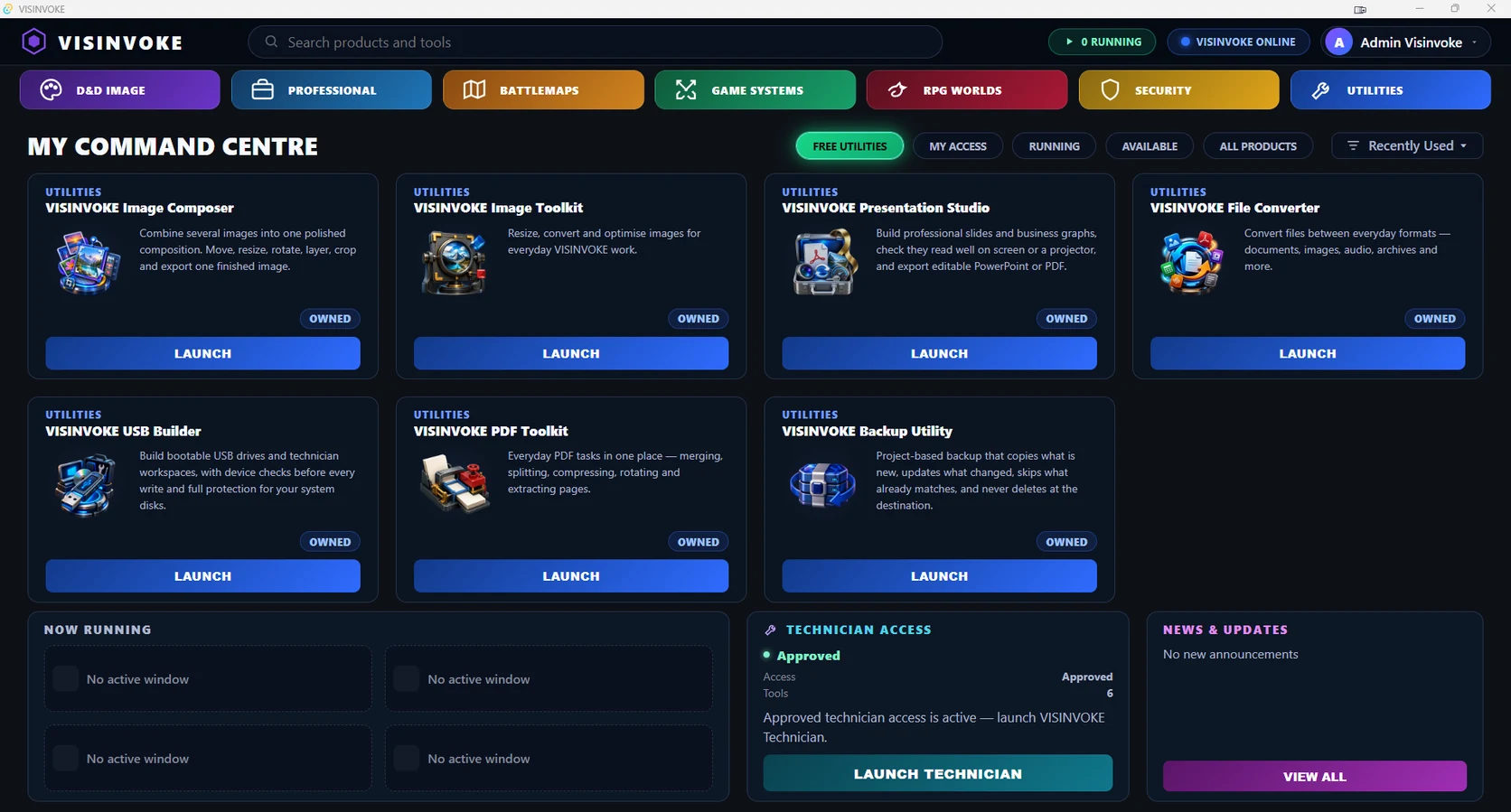
VISINVOKE includes 15 core free utilities alongside specialist creative, business, gaming and technical products. Use each product page to see its capabilities and supported platforms.



Explore and discover
People Explorer, Animal Explorer, Music Explorer, World Explorer and Plex Discovery.
Organise your workspace
Screen Manager, Email and Agent Control.
VISINVOKE means value. Quality. Ownership. Rewards.
01
Quality
A clear command point for deep specialist systems and practical everyday tools, built around the work you want to do.
02
Ownership
Owned products keep their own ownership model. DCC shows your access without turning ownership into a membership.
03
Choice
Free utilities, owned software and optional services retain separate access models so you can choose the systems that fit.
04
Rewards
Eligible VISINVOKE product programmes provide their own rewards under their stated account and entitlement rules.
A clear path into your collection
Start with your account. Continue on your desktop.
Account creation, installer access and individual product entitlements remain separate and clearly labelled.
Your VISINVOKE identity
Freeaccount creation
Create your account
Use one VISINVOKE identity for your Dashboard and supported DCC product access.
Create a free VISINVOKE accountDesktop installation
Windows10 or 11 · 64-bit
Install DCC through your account
Create your free VISINVOKE account first. Then sign in to the account installer page and follow its Windows installation guidance.
Already registered? Open installer pageYour product access
Accountlinked entitlements
Choose your products
Product ownership, memberships and selected tools follow their own terms. DCC does not bundle every paid product into one entitlement.
See the VISINVOKE ecosystemAccount services
Dashboardyour account destination
Manage your account
Use the Dashboard for product access and account services, then return to DCC for supported desktop launches.
Open account DashboardQuestions answered clearly
Know how your command centre fits.
Windows support, account access and product destinations, explained simply.
What is the Desktop Command Centre?
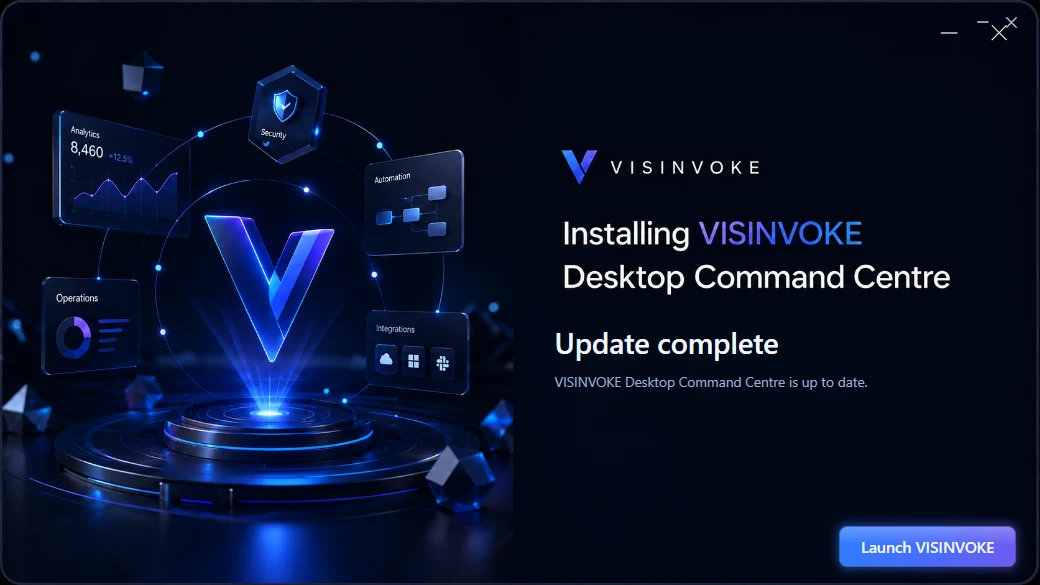
DCC is the installed Windows catalogue, product-access and launch point for supported VISINVOKE products. Browser products and information remain connected through their appropriate destinations.
Which computers are supported?
The Desktop Command Centre installer supports 64-bit Windows 10 and Windows 11. Individual products state their own platform requirements.
Do I need a VISINVOKE account?
Yes. Create a free VISINVOKE account, open the account installer page, install DCC and sign in with that account.
Does DCC include every paid product?
No. Each product keeps its own ownership, membership or selected-tool entitlement. DCC shows the access associated with your account.
Where can I see the free utilities?
Use the utility collection and catalogue filters in DCC. The 15 core free utilities cover files, images, PDFs, presentations, discovery, screens, email, agent controls and media. Each product page explains its own support.
Do security products run inside DCC?
The Security family provides product information and links. It is not a running DCC product; Managed PC Protection and Track, Lock & Wipe have their own product workflows.
Continue in VISINVOKE
Start with your account.
Create a free VISINVOKE account, then install DCC, sign in and open your products.
AccountInstallSign inOpen
Create a free VISINVOKE account